Customer List
All customers will be shown in Customers → List customers
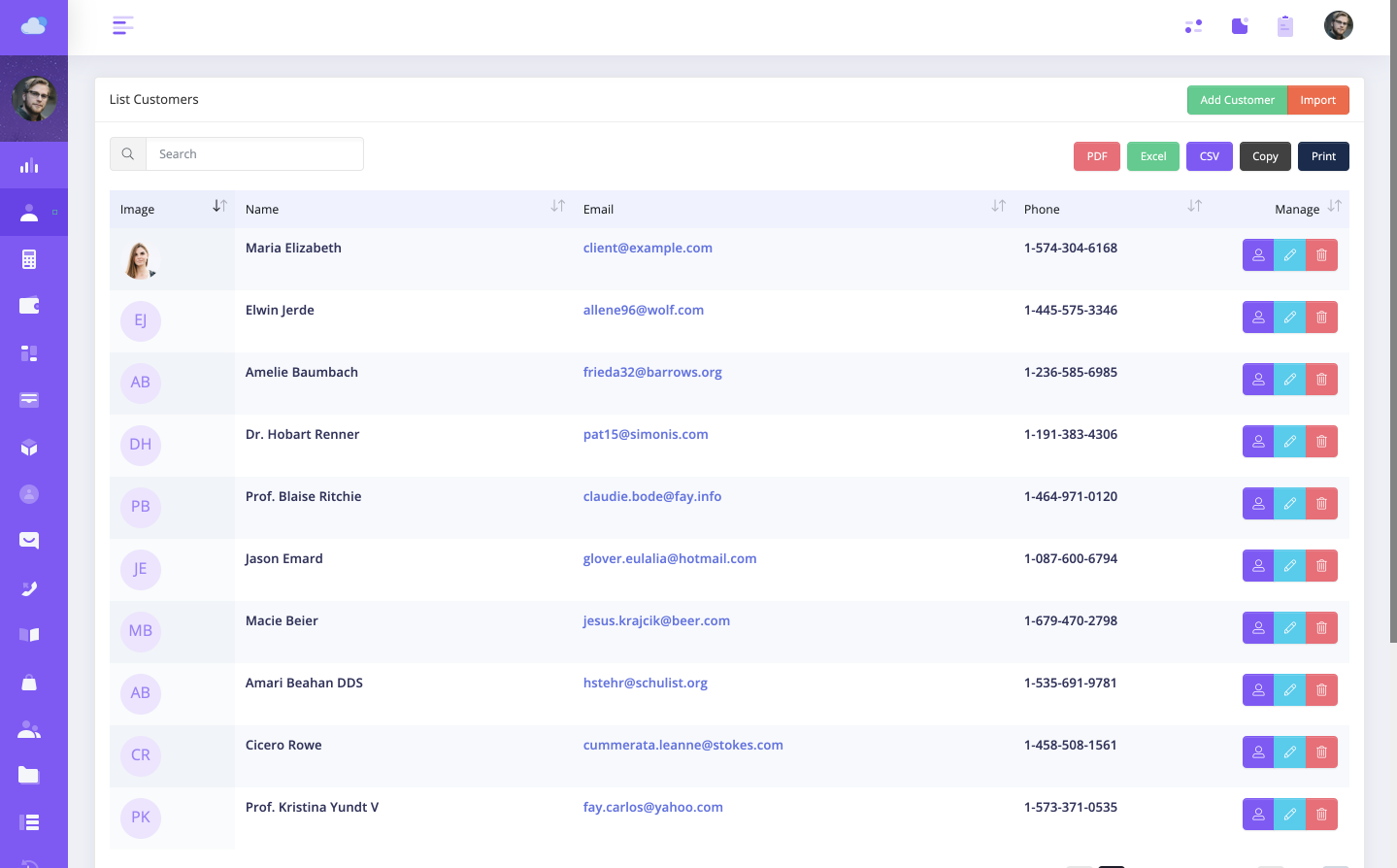
You can also do following things in that page-
- You can select customers and Send bulk email
- You can select customers and assign to specific groups
- You can perform bulk delete for customers
- Export customers as csv file
- Import customers from csv file
- Export as pdf
Import customer from csv file
To import customer from csv file click on the import button beside the add customer button.
Example of the csv file
Full Name,Company,Phone,Email,Address,City,State,Zip,Country John Doe,The Acme Inc.,123456789,demo@example.com,424 Fake Street,Staten Island,Newyork,10205,United States Jane Doe,CloudOnex,912345678,jane@example.com,520 Grand View,Staten Island,Newyork,10107,United States
Check customer's full Profile
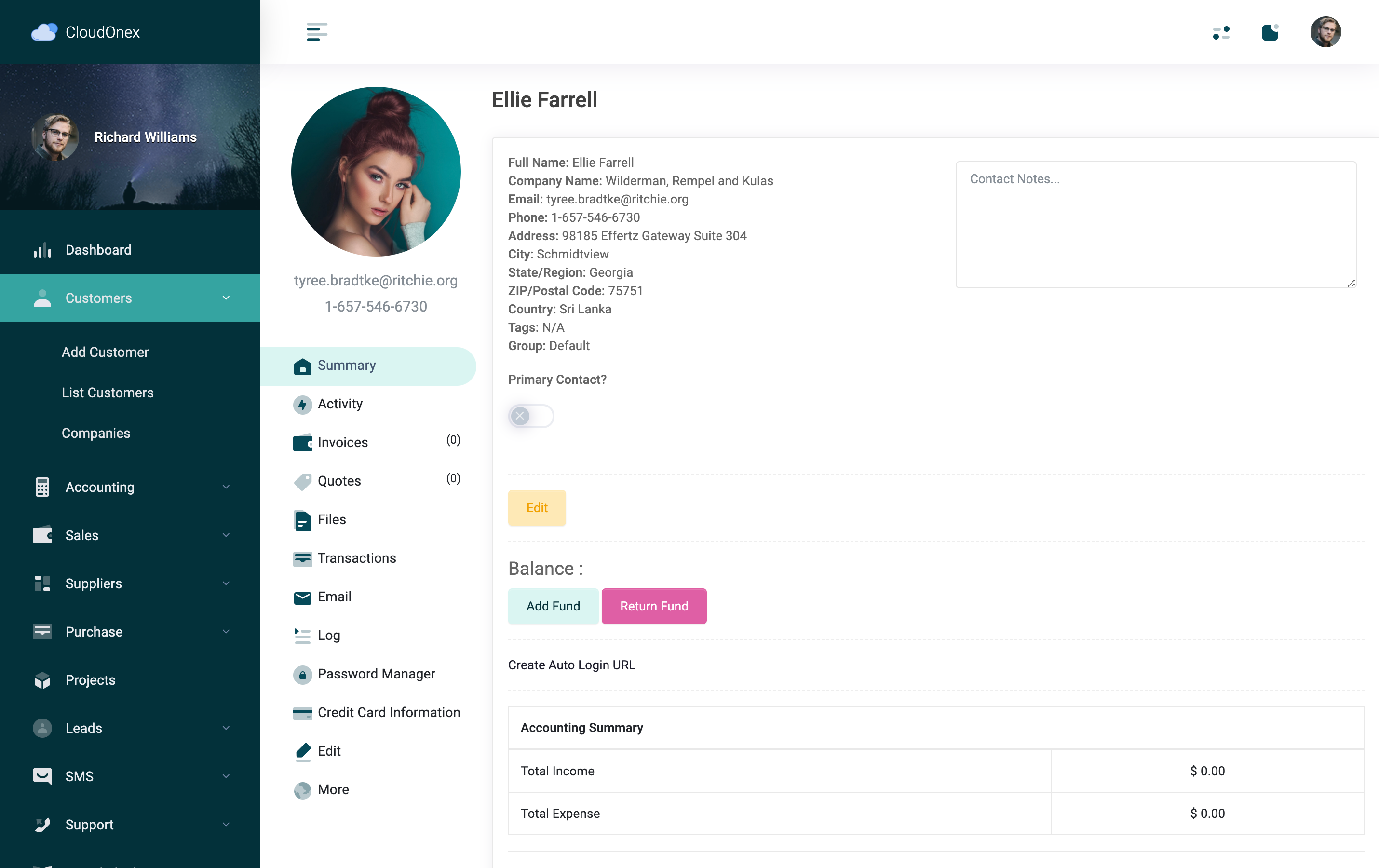
- View Invoices and check the due amount
- Check the Transactions
- Manage Passwords
- Keep credit card Information
- Upload Files
- Add Fund
- Check the orders
Still stuck? Open a support ticket.